Collage Builder
Create stunning photo collages in seconds. Drag and drop your images, customize the layout, add your logo, and export for web or print — all from your browser.
Perfect for corporate team grids, modeling comp cards, and portfolio showcases.
What photographers are saying
"Collage Maker is refreshingly easy to use. It removes friction from the process and lets you focus on creative decisions instead of wrestling with software."

Kevin Elwell
Headshot Photographer, Washington DC
"Making collages has always been a challenge, but not any more. StudioFlows makes creating collages easy and seamless. The features and options makes delivering professional collages, effortless."

Peter Istvan
Portrait Photographer, Parry Sound
Any Size
Flexible grid layouts
Multiple
Aspect ratio presets
300 DPI
Print-ready exports
Free
No subscription needed
Photo Collage Gallery
From modeling comp cards to corporate team grids — create professional collages in seconds.


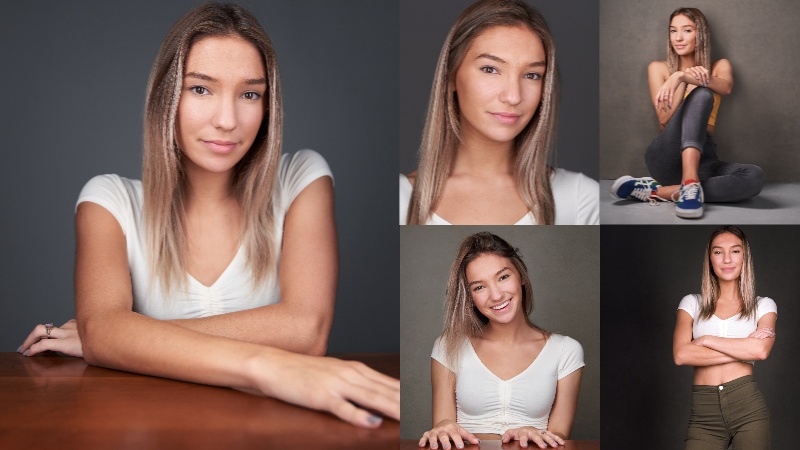



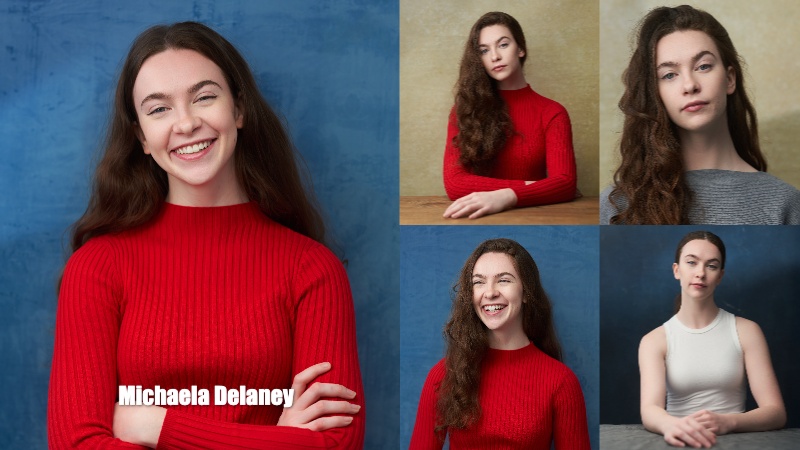




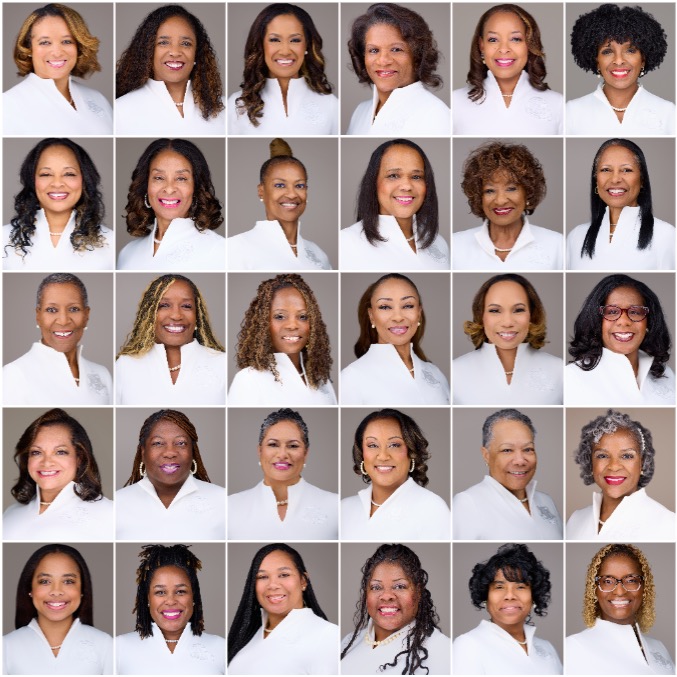





Everything you need to build collages
A professional collage tool designed for photographers. No Photoshop required.
Drag & Drop Interface
Drop photos onto the canvas or into specific cells. Drag between cells to reorder. Double-click thumbnails to add instantly.
Flexible Grid Layouts
Create any grid size you need. Adjust columns, rows, gap spacing, and corner radius. Use presets or build from scratch.
Multiple Aspect Ratios
Square (1:1), Portrait (4:5), Vertical (9:16), Landscape (16:9), Classic (3:2), and Standard (4:3) — ready for any platform.
Logo Placement
Add your logo to any corner or custom position. Choose from 1x1, 2x1, 1x2, or 2x2 cell sizes for perfect branding.
Text Overlays
Add text with custom fonts, sizes, colors, and styles. Perfect for comp cards, watermarks, or promotional materials.
Flexible Export Options
Export as JPG, PNG, or PDF. Choose web-optimized (1x) or print-ready (300 DPI). Custom size option for exact dimensions.
Randomize Layout
One click shuffles your photos into a new arrangement. Quickly explore different compositions until you find the perfect one.
Save & Load Projects
Save your collage as a .studioflows project file. Come back later to add more photos, tweak the layout, or create new versions.
Social Scheduling Integration*
Easily post your collages to social media. Integrated with StudioFlows Social Scheduler to publish across all your connected platforms.
* Social Scheduling Integration requires a StudioFlows Social Scheduler subscription.
How It Works
Create a professional collage in under a minute.
Drop Photos
Drag images onto the canvas
Customize
Add logo, text, or styling
Export
Download or post to social*
* Social media posting requires a StudioFlows Social Scheduler subscription.
Frequently Asked Questions
Is the Collage Builder really free?
Can I export at print resolution?
What kinds of layouts can I create?
Can I post collages directly to social media?
Ready to build stunning collages?
Create a free account and start building collages in seconds.